
Web Excellence Awards
Publicity Tools
Everything you need to share your win: your website badge, ready-to-post social media drafts, logos and seals.
Add the badge to your website
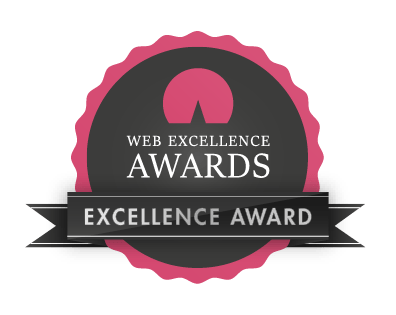
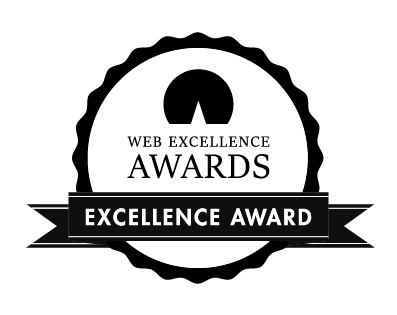
Show your award where your clients look. Every winner page has its own badge code, linked to that winner page, in a light and a dark version.


- Find your winner page.
- Open "Add the badge".
- Copy the code and paste it into your site, for example in the footer or on your awards page.
Share your win
Copy a draft, replace the parts in square brackets, add your badge or a photo of your certificate, and post. Where it says [link to your winner page], paste the address of your winner page.
Opens with the link only. Paste the copied text into your post.
Opens with the link only. Paste the copied text into your post.
Opens with the link only. Paste the copied text into your post.
Opens with the link only. Paste the copied text into your post.
Logos
Vector files (SVG, PDF) for print and design, PNG with a transparent background for the web, JPG on a background.








Seals and logo labels
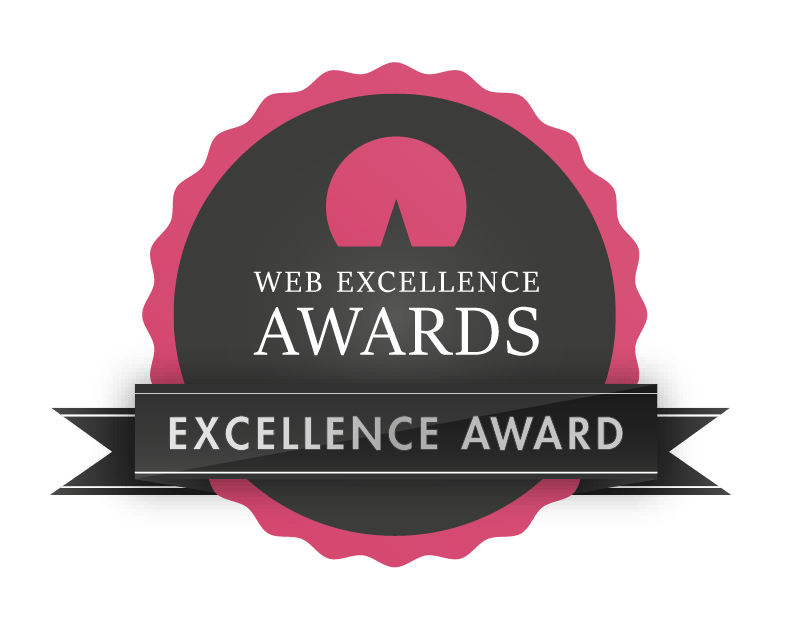
For printed material, presentations and social media images. On your website, use the badge from your winner page: it links to your winning project.










How to use them
- Use the badge, seals and logos only for your winning project and the season it won in.
- Please do not change the colours, proportions or wording of the logos and seals.
- On your website, link the badge to your winner page, so visitors can see what you won.
- Questions about using our logos? Write to us at info@we-awards.com or by using our contact form.
Celebrate with your team
Hand-made trophies in wood and steel and printed certificates,
with your category, your name and your project title.